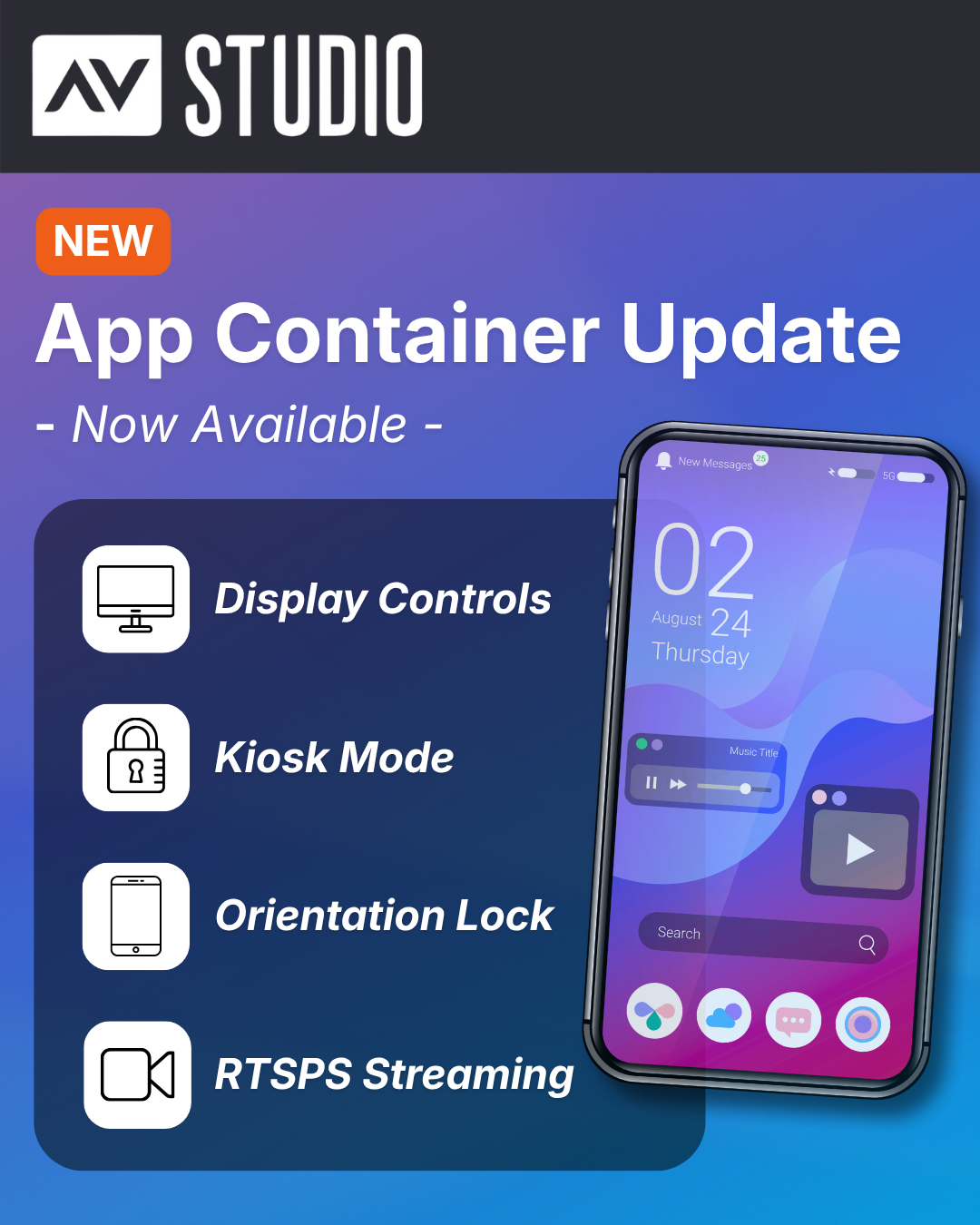
App Container Update: More Control, Better Display, and Kiosk-Ready Deployments
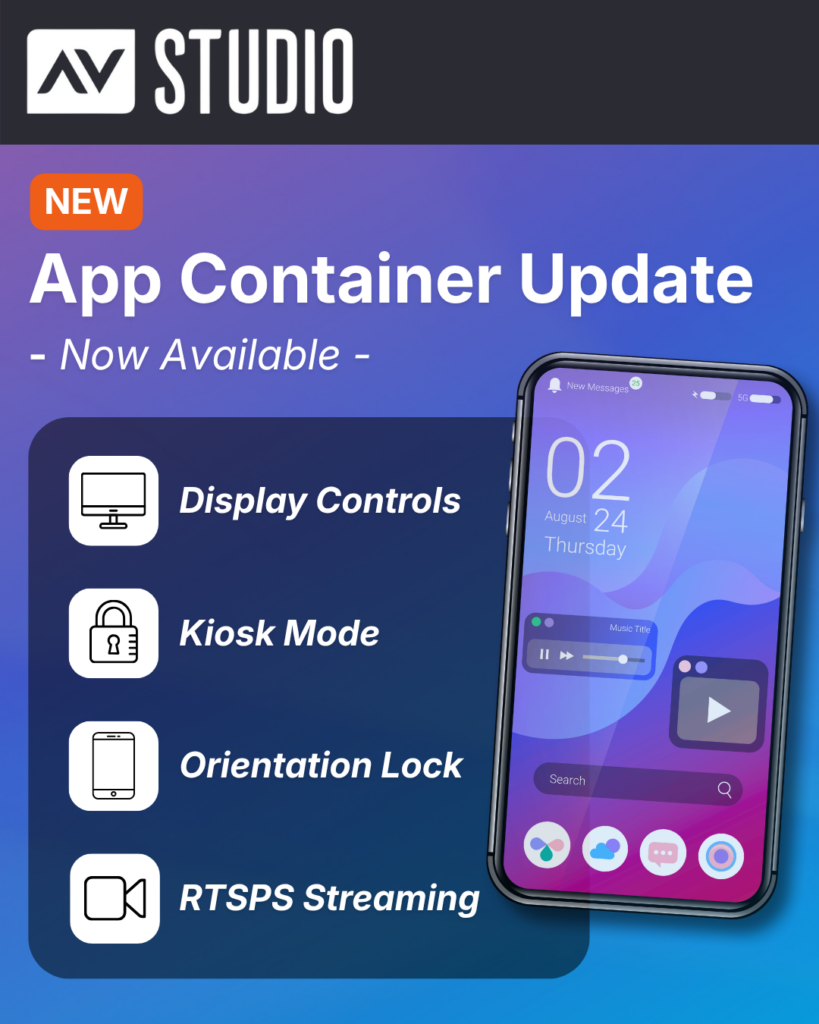
App Container continues to evolve, with new features and functionality improvements arriving in the newest update. With the latest release, users can expect smoother performance, greater control over display behavior, and expanded capabilities for professional environments.
New Features and Improvements
Advanced Display Controls
Users can now configure the top and bottom safe areas independently in the App Settings. This enables more precise control over how content is positioned on the screen.
New Top Bar Display Modes
New display modes have been introduced for the top bar. Users can now choose to:
- Hide the top bar completely
- Display it within the safe area
- Extend content behind a translucent top bar
These options provide greater flexibility and visibility when viewing projects.
Screen Orientation Lock
Users can now lock their device orientation to Portrait or Landscape, or leave it on Auto. This is especially useful for fixed installations such as wall-mounted control panels, where a consistent orientation is required.
Kiosk Mode
Kiosk Mode allows users to lock a device to App Container for dedicated use cases.
This includes several automation features designed to support reliable, long-term installations, including automatic app launch on device boot, automatic return to full screen after a restart, and automatic screen wake when the device is in standby.
These capabilities make it simple to configure and deploy App Container in environments such as showrooms, control systems, and client demos. To enable auto-restart functionality, users must grant the “Display over other apps” permission when prompted after enabling Kiosk Mode in Settings.
RTSPS Support
Secure RTSP streaming over TLS is now supported, enabling reliable playback from sources such as UniFi Protect cameras and other secure video streams.
To help users get started, documentation is available in the public App Container GitHub repository. This includes guidance for using secure streams directly within App Container, as well as alongside AVstudio Studio.
You can explore the available resources here: [Click Link]
Get Started with App Container
Ready to take advantage of these new features? Download the latest version of App Container.
Download now:
- App Store: [Click Link]
- Google Play: [Click Link]
Gallery
AVstudio Wins Best Integrator Software Tool at InfoComm 2026
Today we are proud to announce that AVstudio Editor has been recognized with the 2026 Best of InfoComm Award in the category: Best Integrator Software Tool Presented by rAVe [PUBS], the award recognizes products that deliver meaningful innovation and value to the professional AV industry. AVstudio Editor was created with a simple goal: Give AV ...
AVstudio Editor Introduces a Simplified Pricing Model
We’re excited to introduce a new, more accessible pricing model for AVstudio Editor. To access the full platform, all new users now begin with a free 2-week trial of the Professional Plan. From day one, you’ll have unrestricted access to build, upload, test, and deploy real projects, giving you the opportunity to fully explore the platform before ...
Stay updated with the latest changes
Get notified about new features, updates, and improvements as soon as they're released.
Subscribe to Updates